❤️ SUPPORTERS ❤️
Updated by hand every week
LOADING...
📖 user guide 📖
1. Download the resource pack from the Festivity Modrinth page.
2. Open Minecraft. Go to Options > Resource Packs. Click "Open Pack Folder". Drag in the .zip file into that folder.
3. Go back in-game. Select the resource pack and click the play icon. Click "Done" and enjoy!
4. To obtain any custom item: look for the small Minecraft item on the bottom left side of the custom item. Get that item in-game. Use an anvil to rename that item to the custom item.

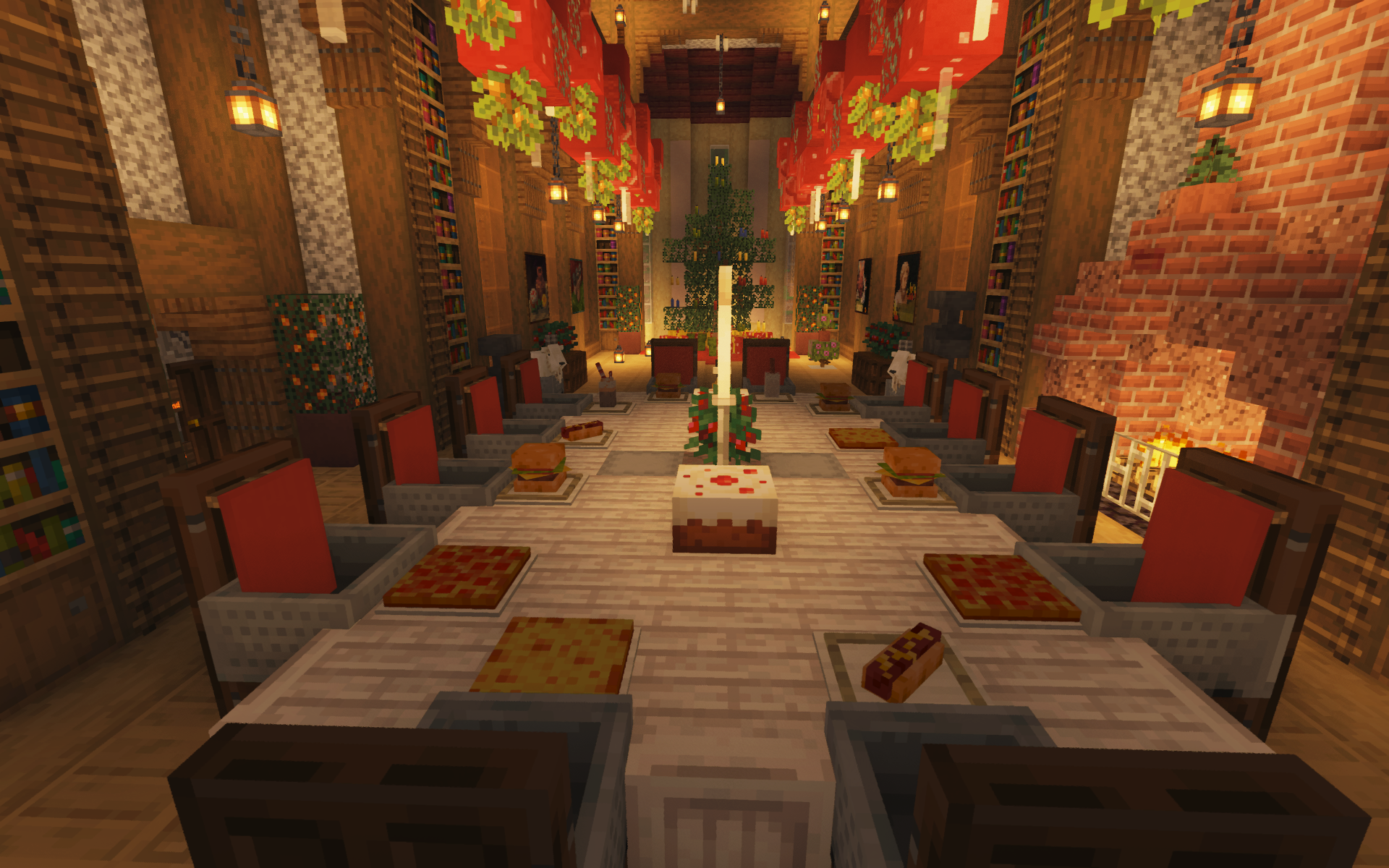
FESTIVITY GALLERY
LOADING GALLERY...